Create your organization
The organization is the workspace: it holds the members, the modules and the data. Here is what you decide when you create one.
Guide3 min
An organization is the unit of everything in Eos: members belong to it, modules are enabled inside it, data belongs to it and billing follows it. One account can create or join as many as it needs.
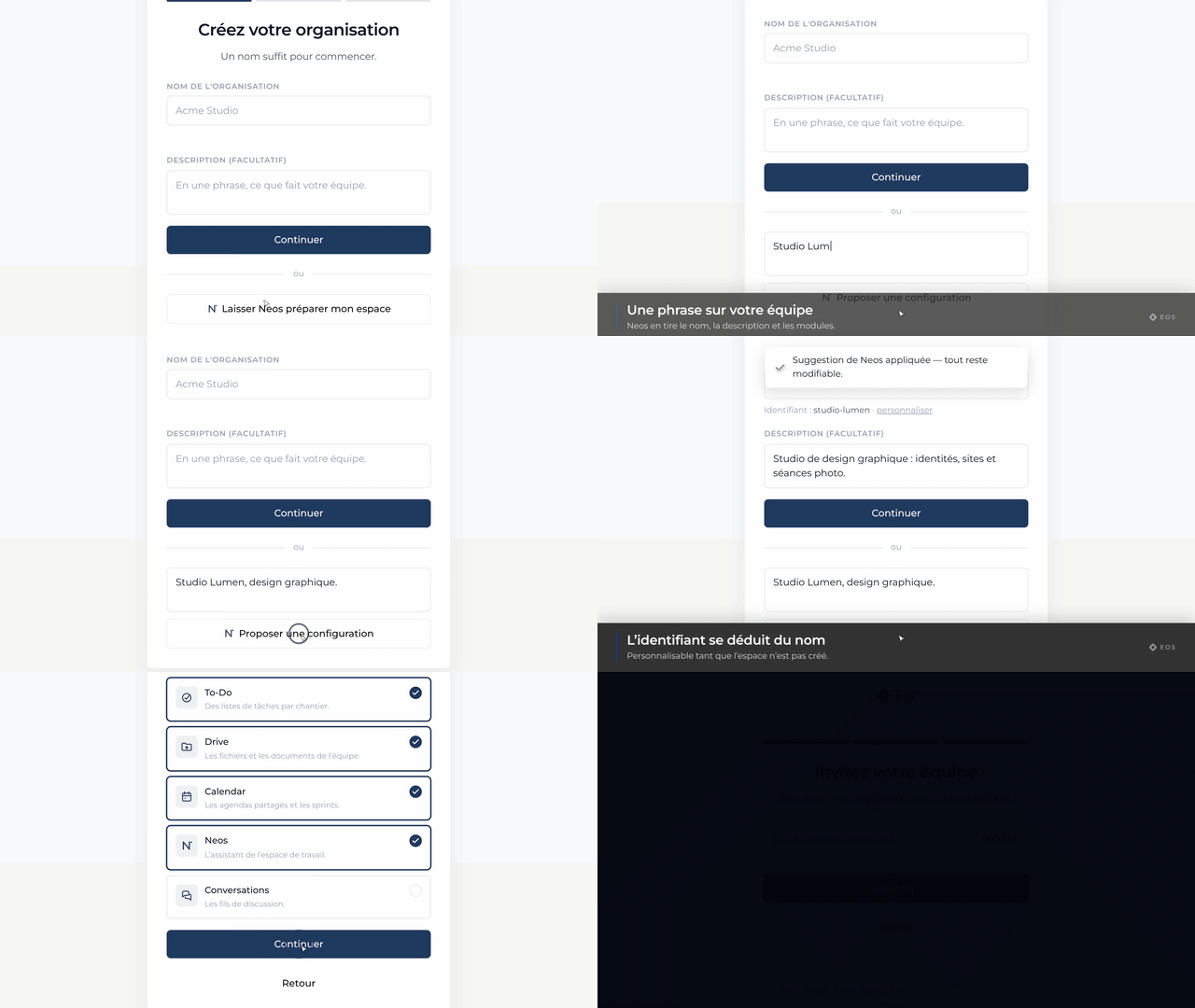
What you decide at creation time
- The name: what your members and guests will see. You can change it later.
- The description: one sentence, which helps Neos understand what the team does.
- The first modules: the ones that will show up in the sidebar.
Belonging to several organizations
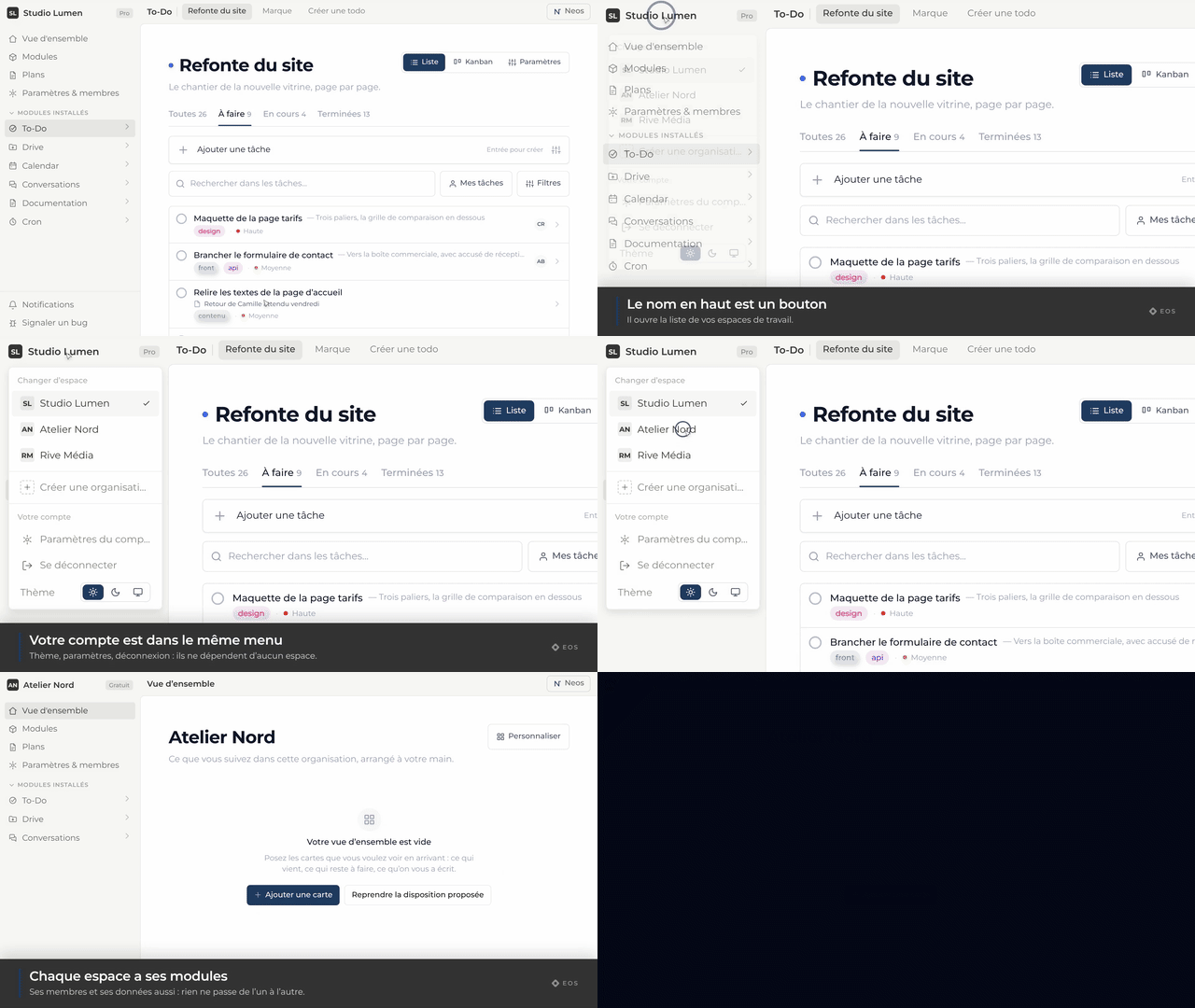
One account can belong to as many organizations as needed, with its own role in each. The picker at the top of the sidebar moves between them; nothing is shared across them — neither data nor permissions.