11 pages
Sidebar & shell
The sidebar and the top bar are the only two pieces of the interface present on every page. Learn them once and you never have to hunt for anything again.
Every page in this topic
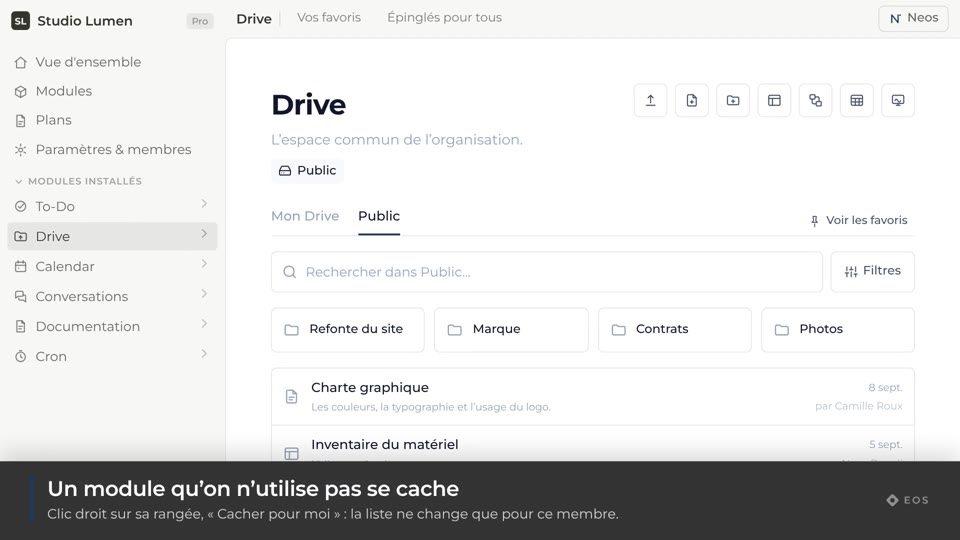
Guide1 min
Open a module
Move from one module to another from the sidebar.
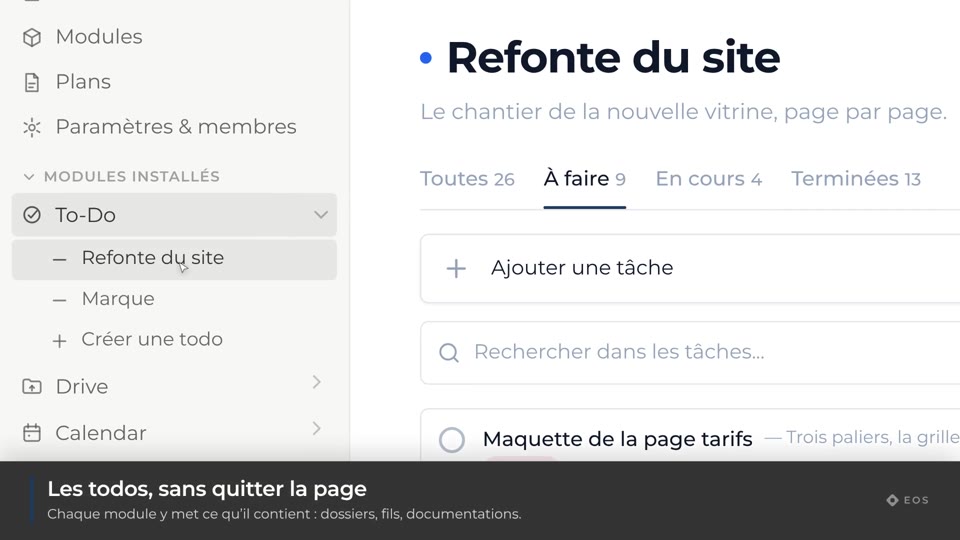
Guide1 min
Expand a module
See a module’s lists, folders or threads without leaving the page.
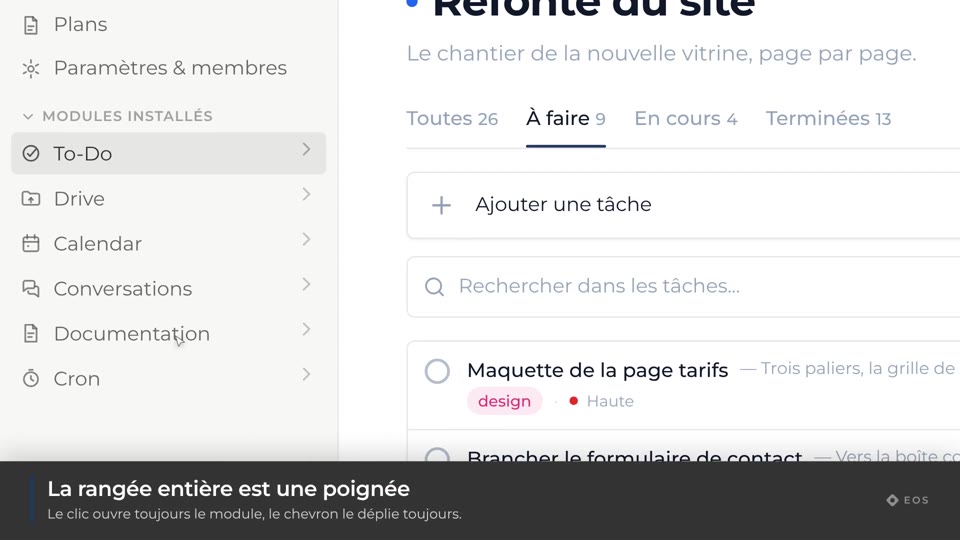
Guide1 min
Reorder the modules
Drag a module to move it up in the sidebar.
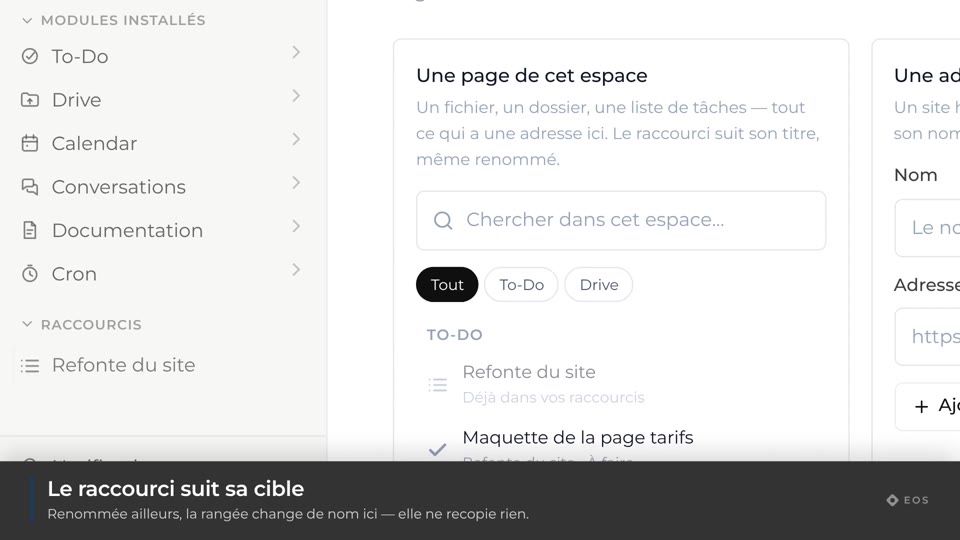
Guide1 min
Pin a shortcut
Keep a page one click away in the Shortcuts section.
Guide1 min
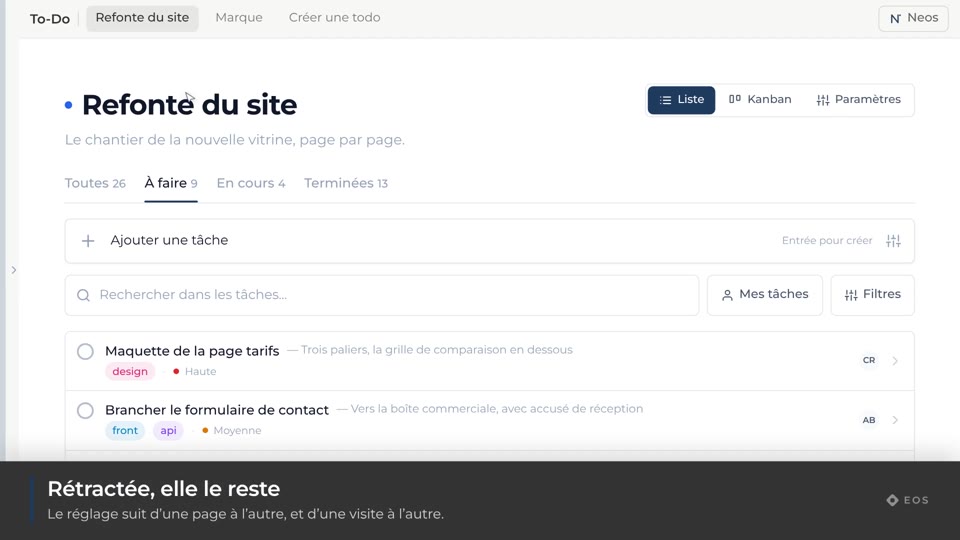
Collapse the sidebar
Give the full width back to the content, and reopen it by hovering the edge.
Guide1 min
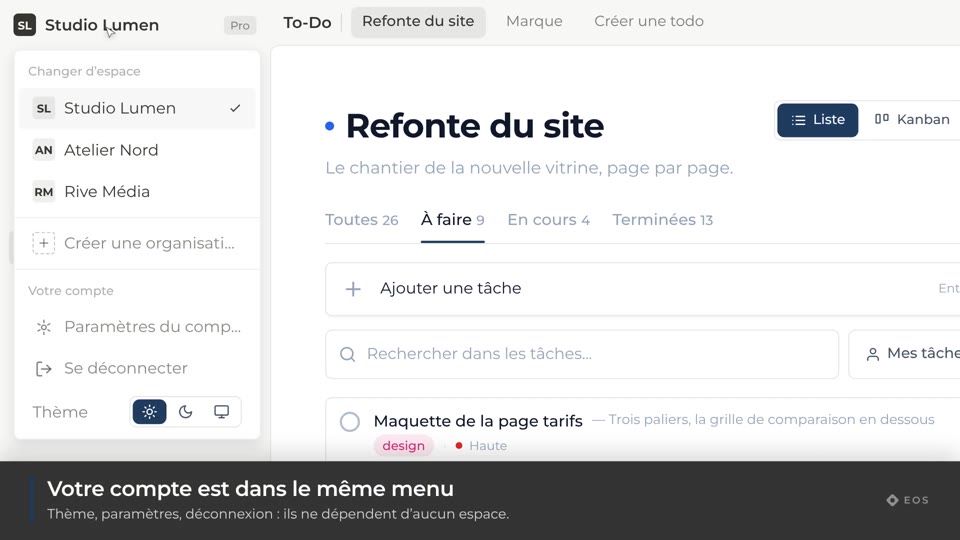
Switch organization
Move from one workspace to another.
Guide1 min
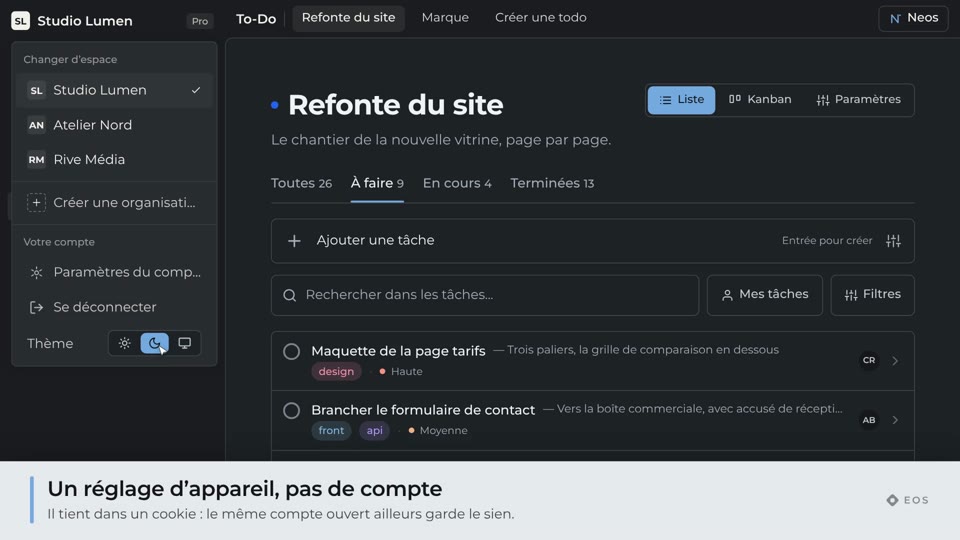
Change the theme
Light, dark, or whatever the system says.
Guide1 min
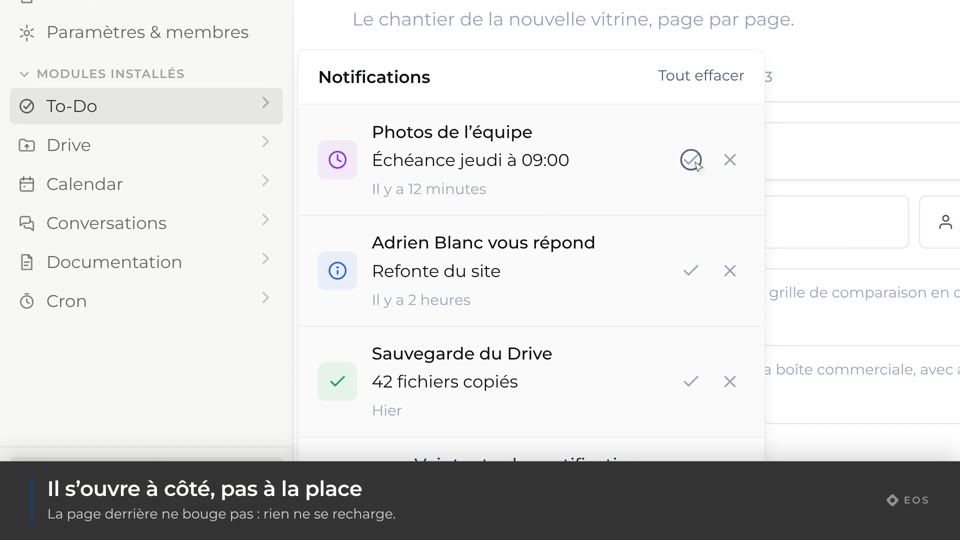
Open notifications
The notification panel, and marking things as read.
Guide1 min
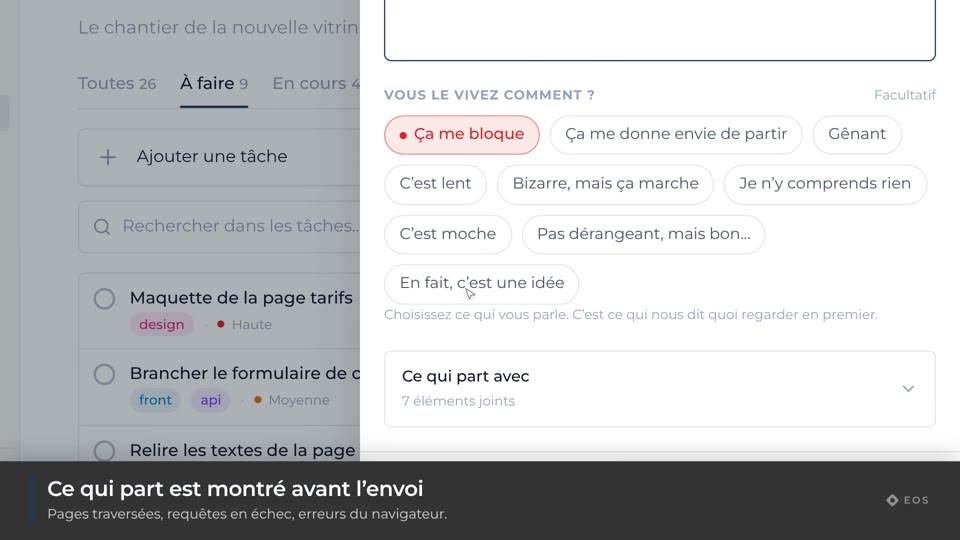
Report a bug
Describe a problem without leaving the page it happens on.
Guide1 min
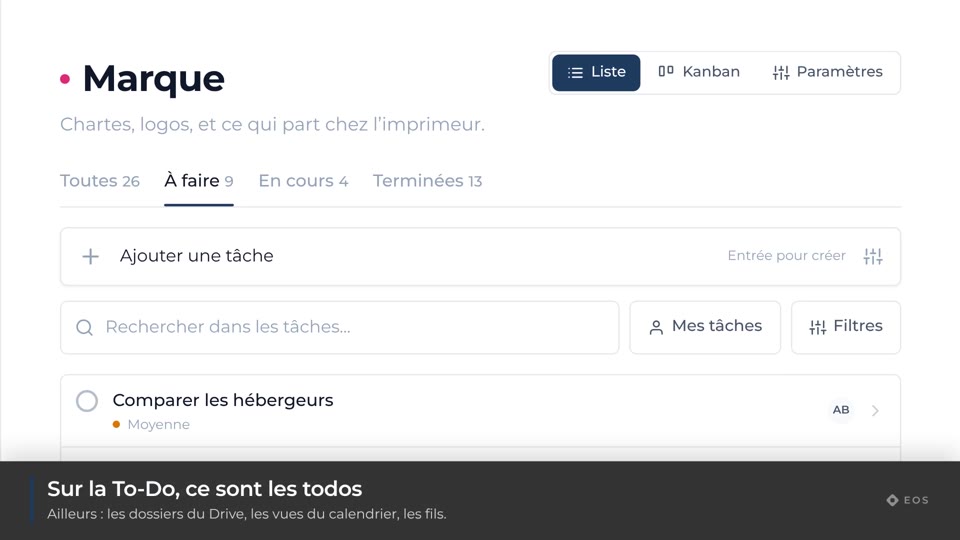
Quick actions in the top bar
The current module’s entry points, always in the same place.
Guide1 min
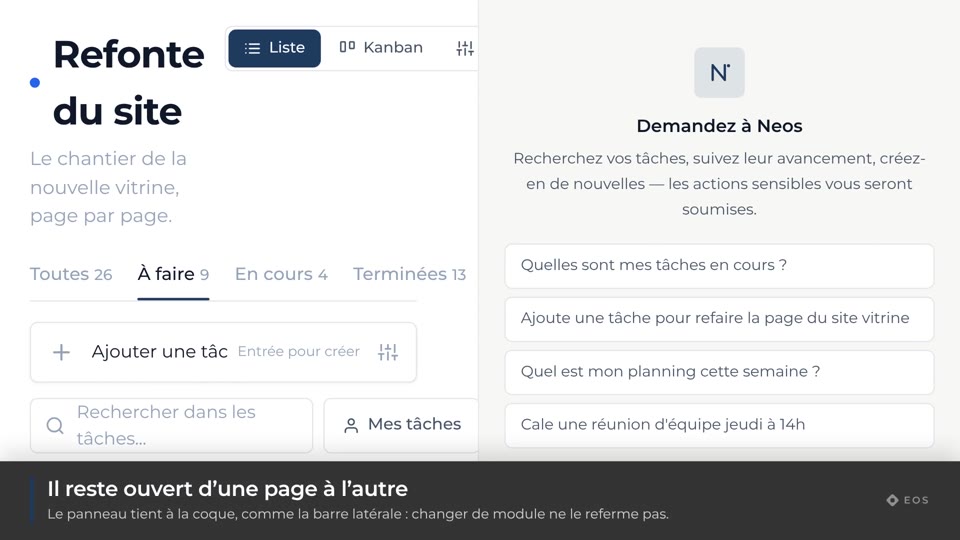
Open Neos
The assistant panel, available on every page.