9 pages
Neos
Neos reads your workspace and acts inside it. It looks around freely; every write goes through a confirmation card that you accept, correct or refuse.
Discover the Neos moduleEvery page in this topic
Article4 min
Talking to Neos
Where to find it, what it can do, and why it always asks before writing anything.
Article3 min
Tokens and the weekly allowance
What a token is, what consumes them, how to follow your usage and what to do when the allowance runs out.
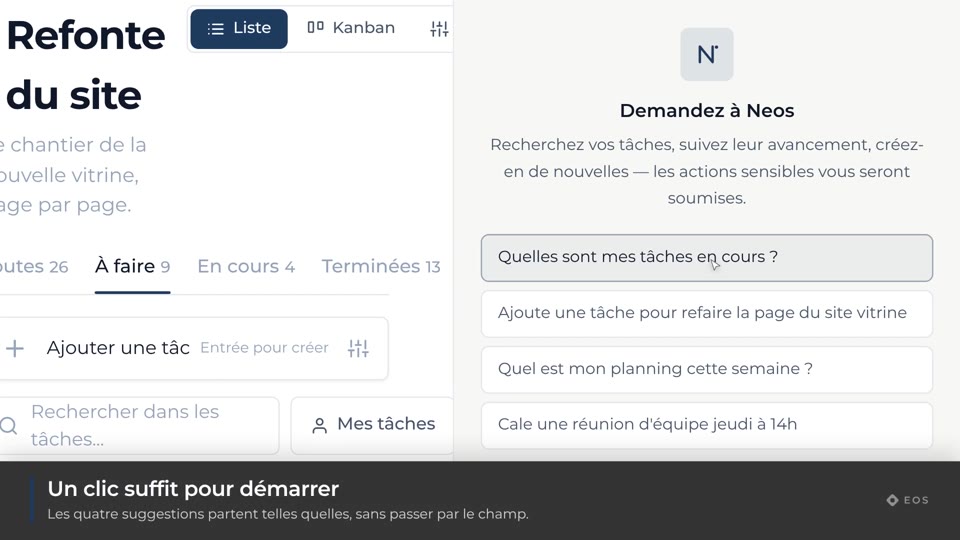
Guide1 min
Open the Neos panel
Available on every page of the organization.
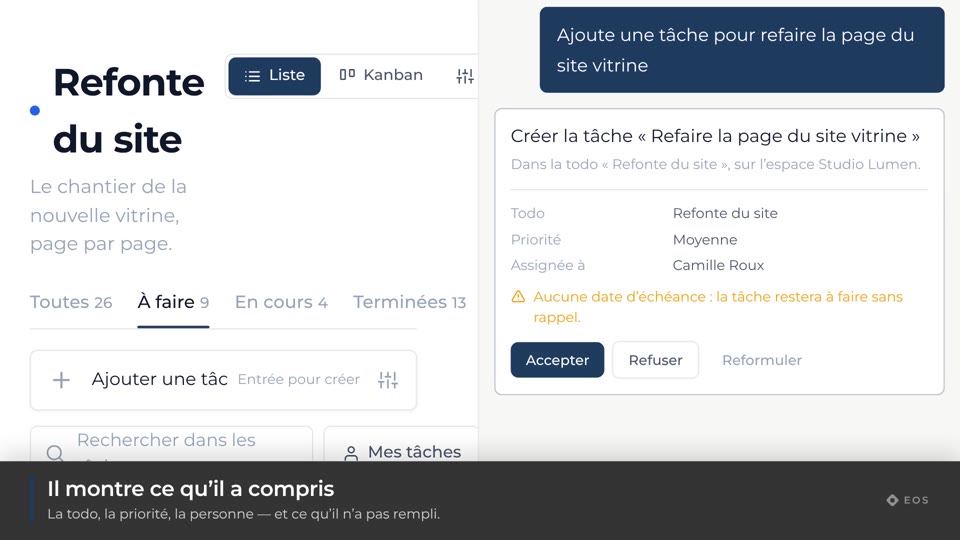
Guide1 min
Ask for an action
Create a task, find it again, go to it — in one sentence.
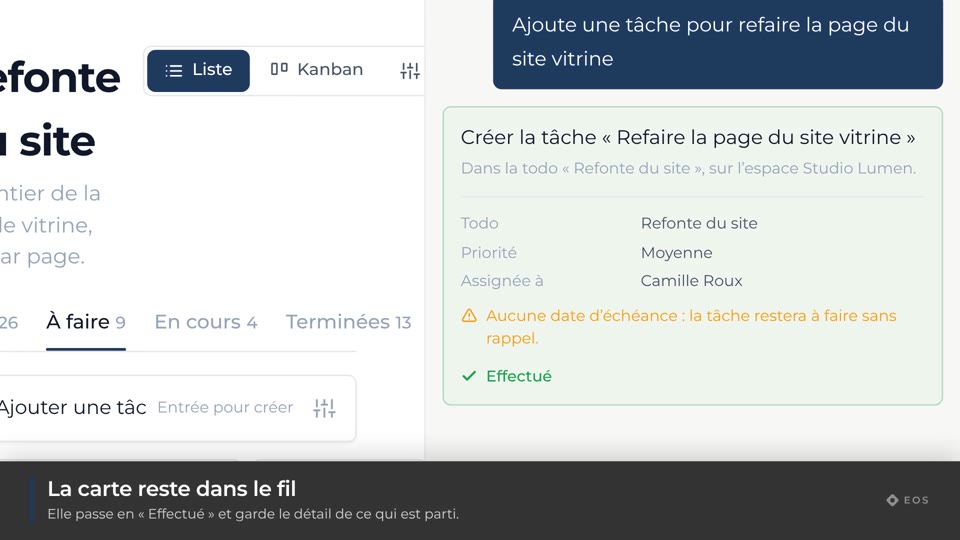
Guide1 min
Approve an action
The confirmation card: nothing runs without your say-so.
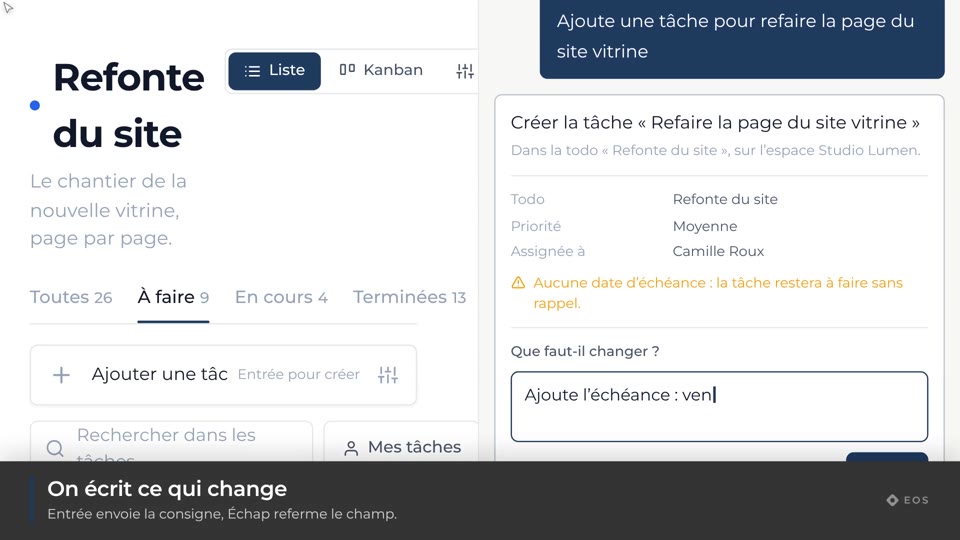
Guide1 min
Reword an action
Correct the proposal before it goes out.
Guide1 min
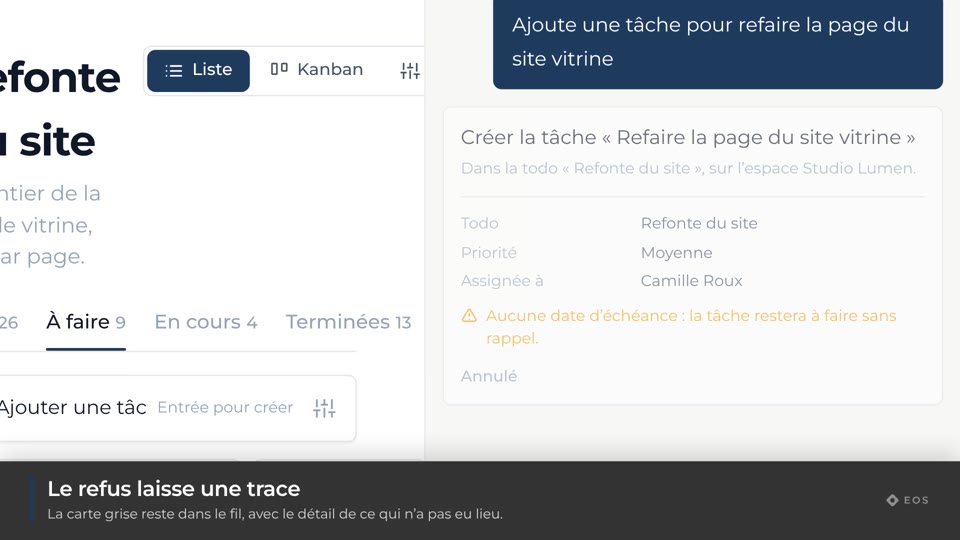
Refuse an action
Cancel what Neos proposes, with no side effects.
Guide1 min
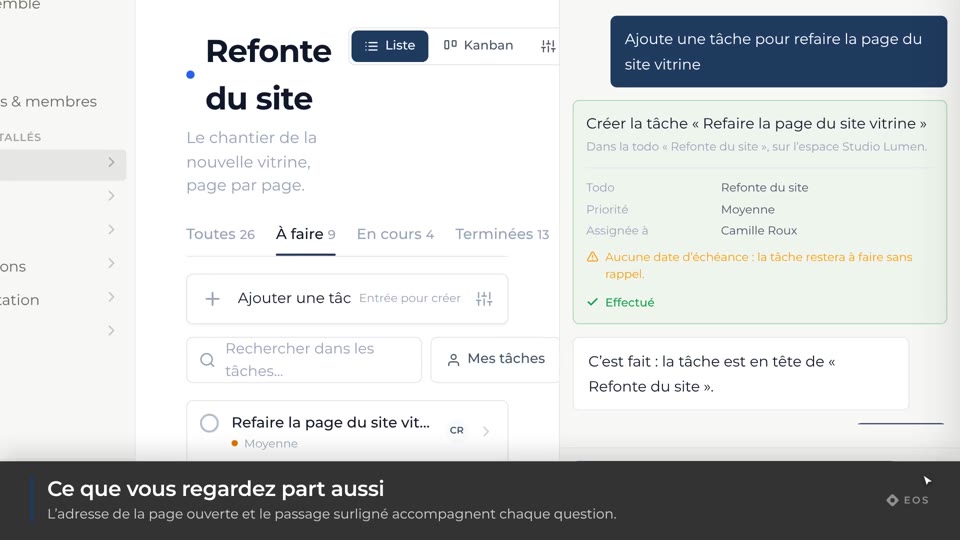
Neos follows the context
“Open it” is enough: it remembers what you are talking about.
Guide1 min
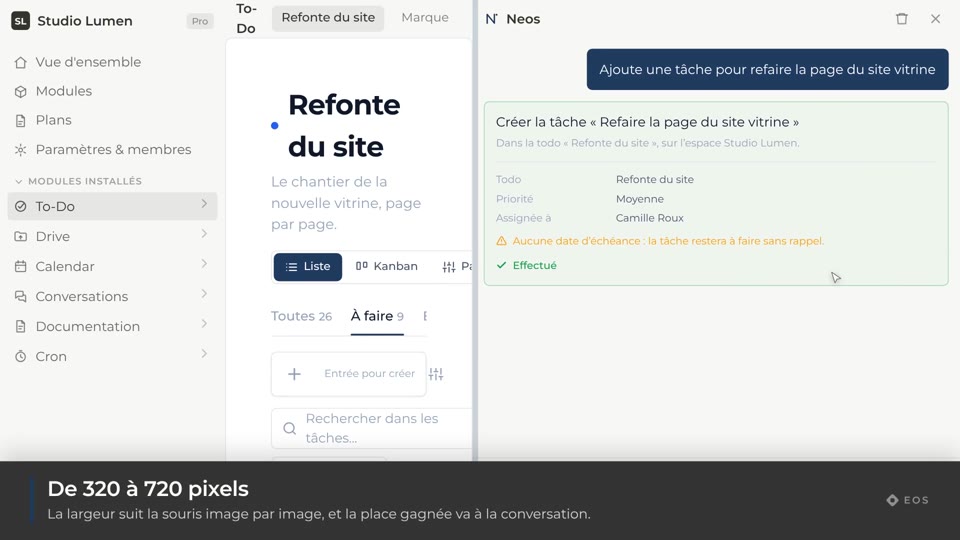
Resize the panel
The panel pushes the content aside instead of covering it.