16 pages
Drive
Three spaces — yours, the organization’s, and what others share with you — and four kinds of object: files, documents, tables, and the forms that fill them in.
Discover the Drive moduleEvery page in this topic
Article3 min
Sharing a document outside the organization
The public link: what it exposes, who can open it, and how to revoke it.
Guide1 min
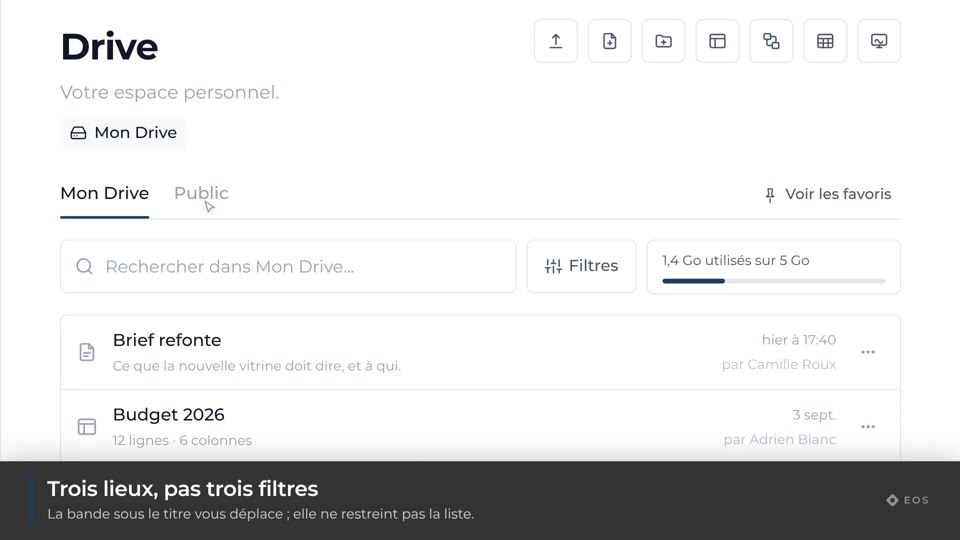
The Drive’s three spaces
My Drive, the organization’s, and what is shared with you.
Guide1 min
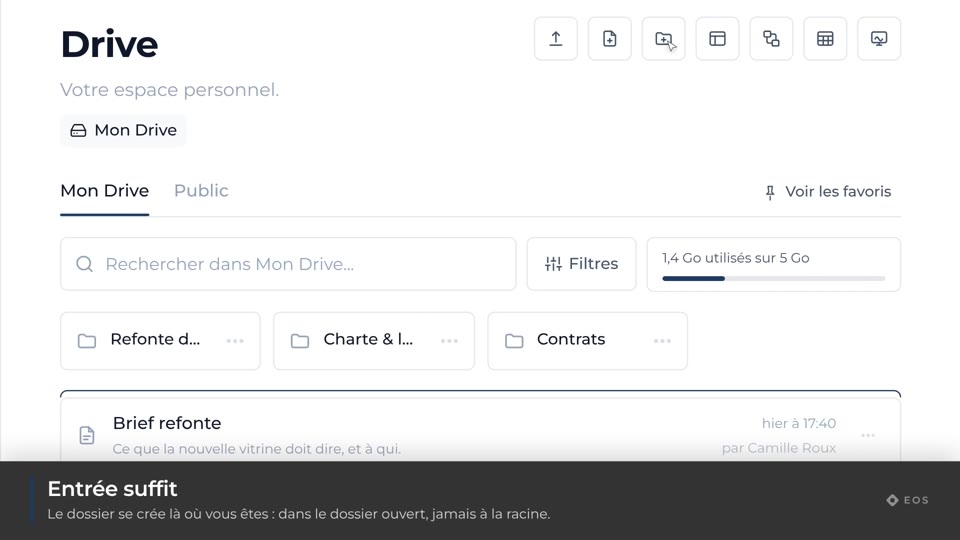
Create a folder
Tidy up without leaving the current view.
Guide1 min
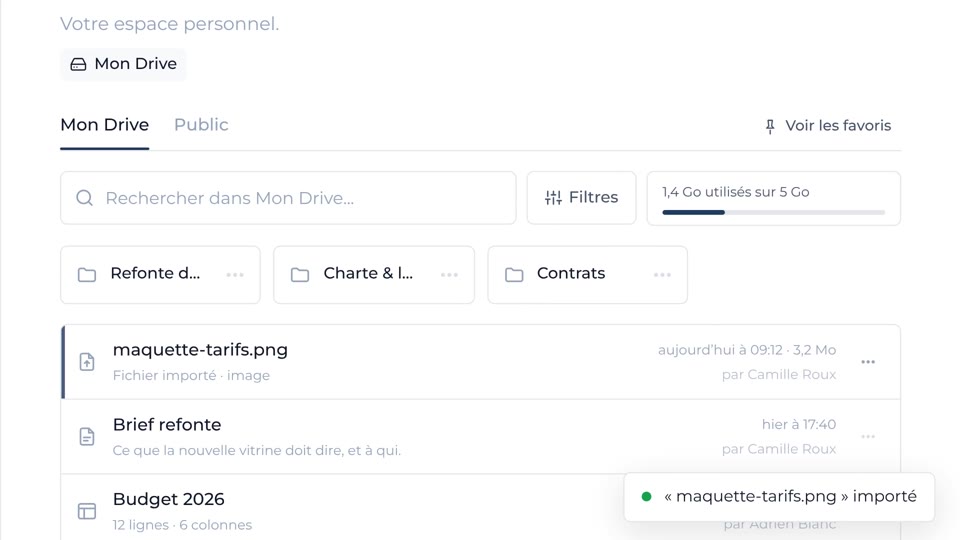
Upload a file
Drop a file in, and watch it go up.
Guide1 min
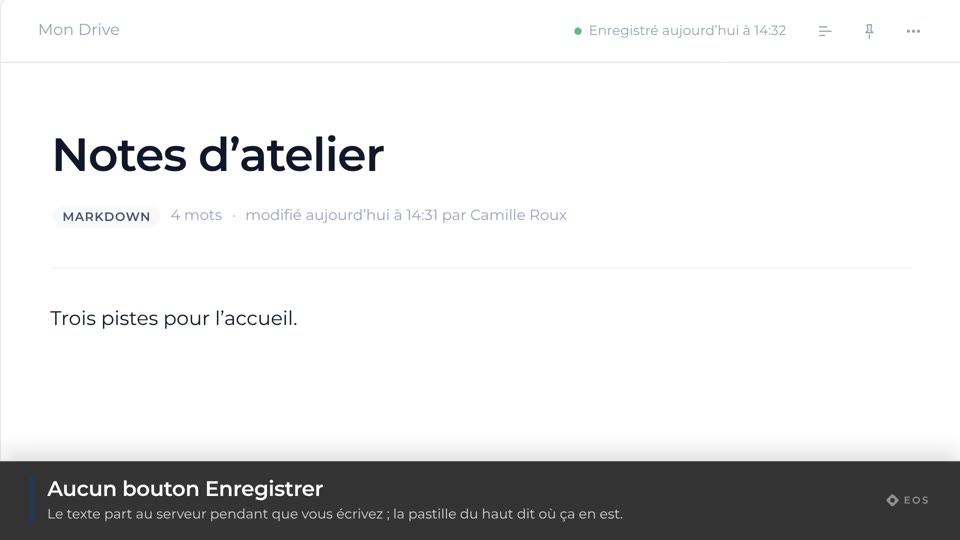
Create a document
The full-screen editor, saving as you type.
Guide1 min
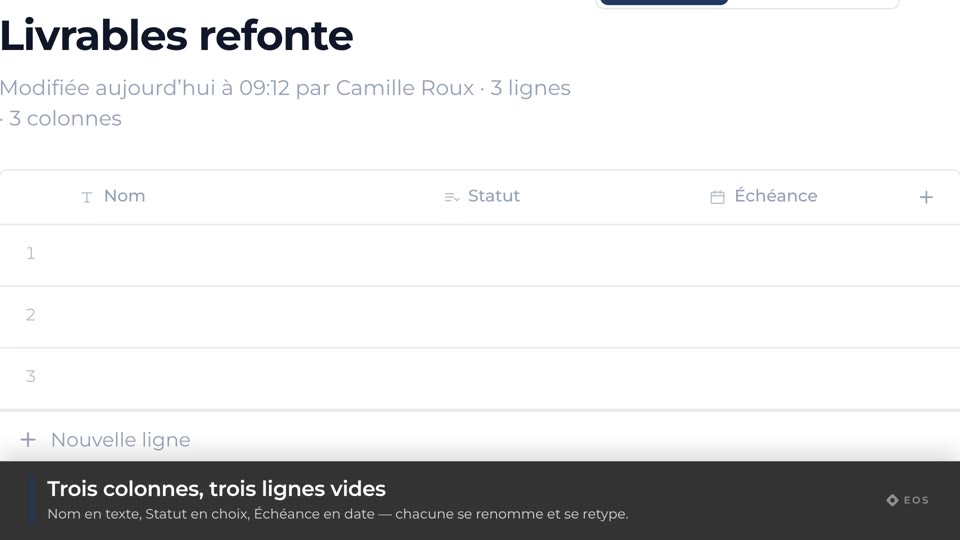
Create a table
Typed columns: text, number, date, checkbox, choice, link.
Guide1 min
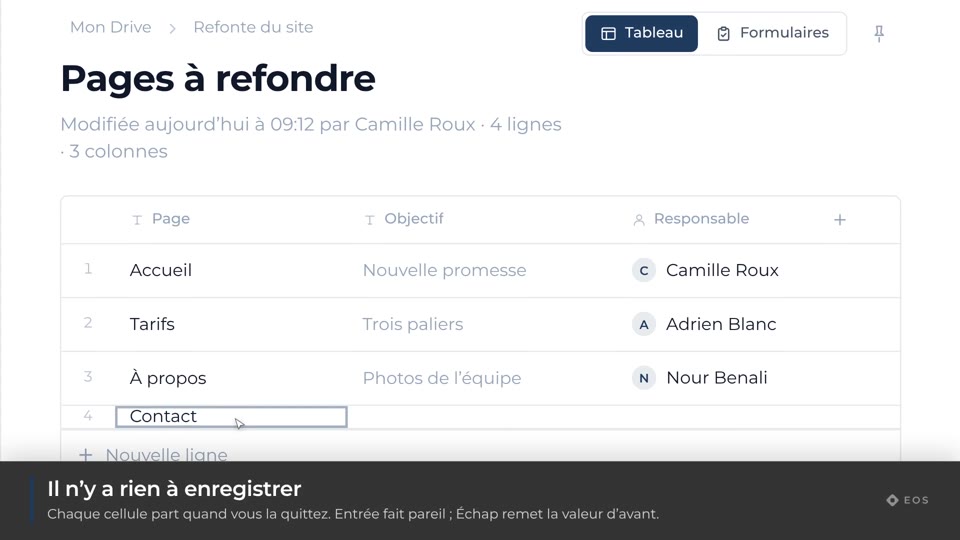
Fill in a table
Enter, correct and sort a table’s rows.
Guide1 min
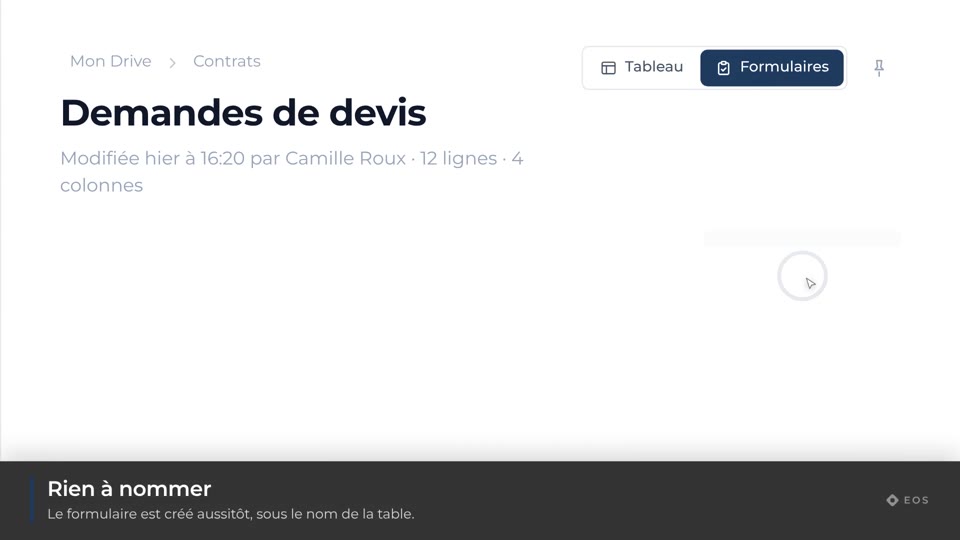
Create a form
A public form that writes into a table.
Guide1 min
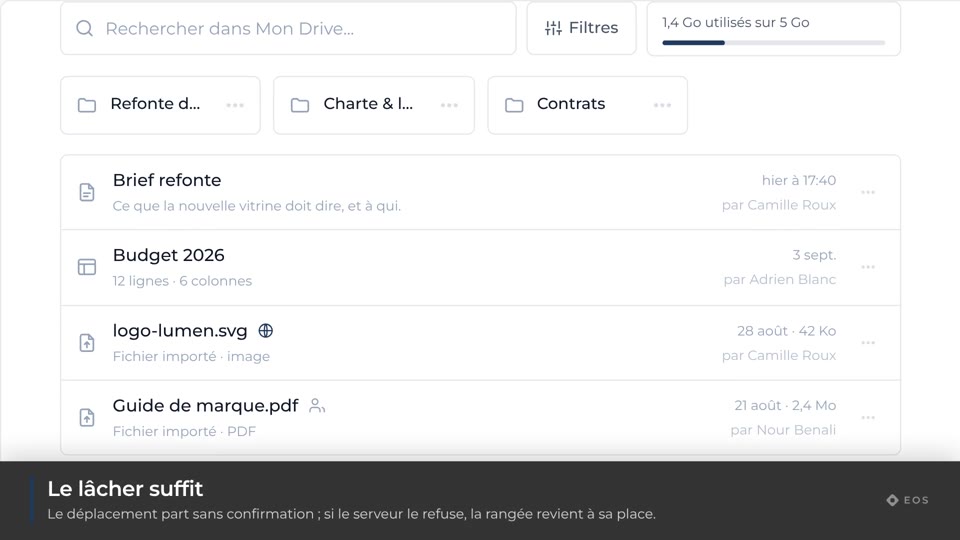
Move an item
Drag a file or a folder into another folder.
Guide1 min
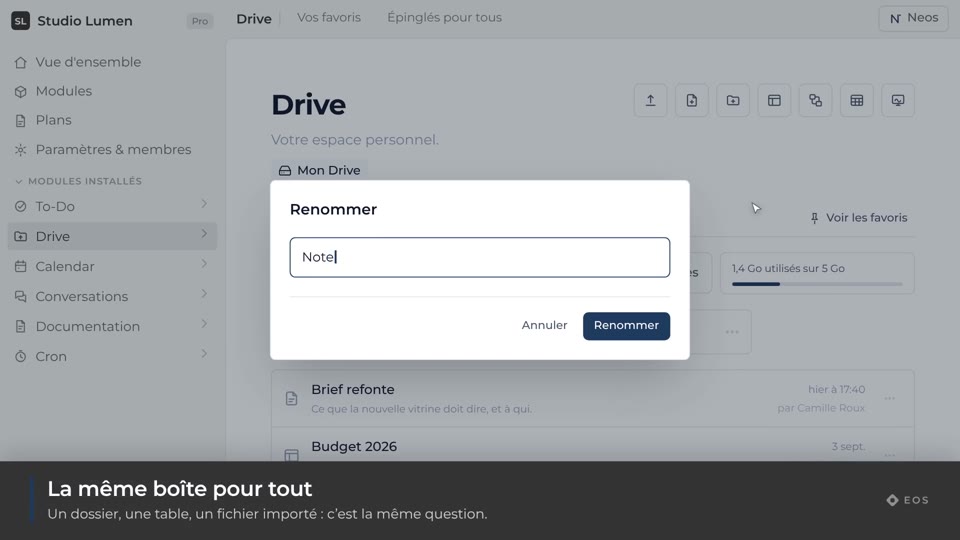
Rename an item
Change the name of a file, a folder or a table.
Guide1 min
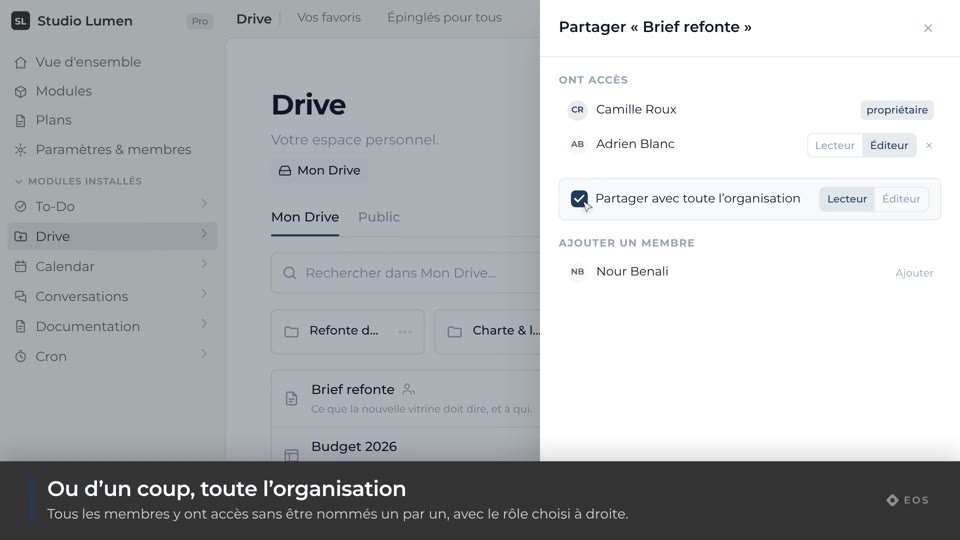
Share an item
Viewer or editor, person by person or for the whole organization.
Guide1 min
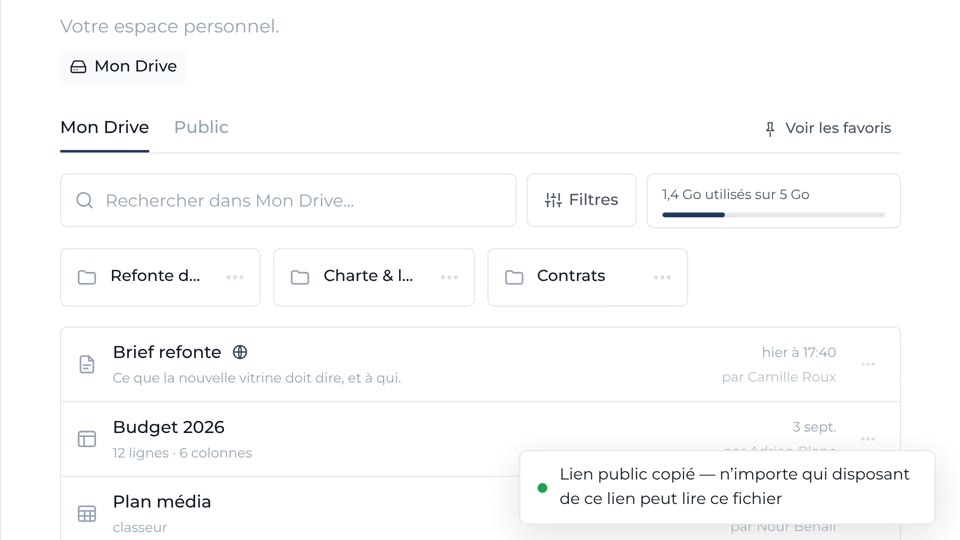
Publish a public link
An address you can hand out, revocable at any time.
Guide1 min
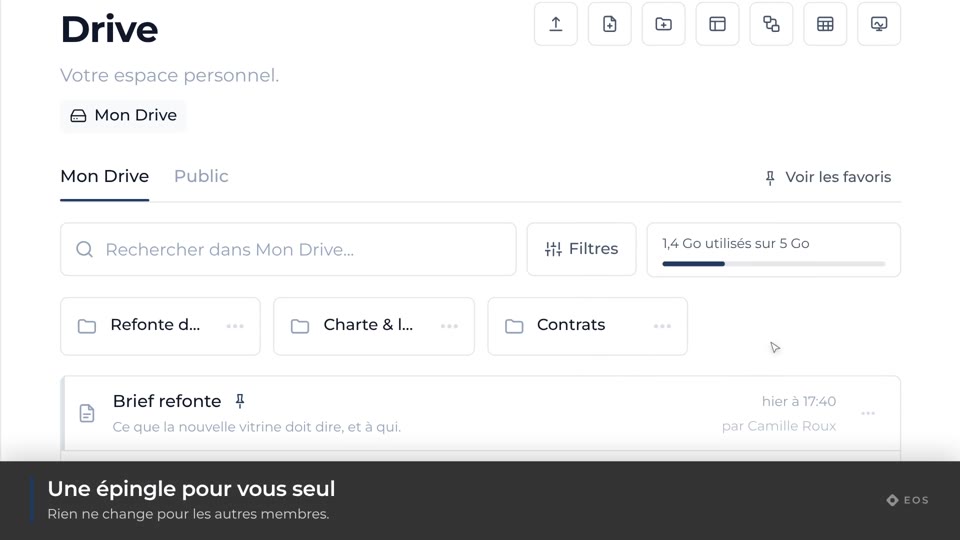
Pin an item
Keep it at the top, for yourself or for the whole organization.
Guide1 min
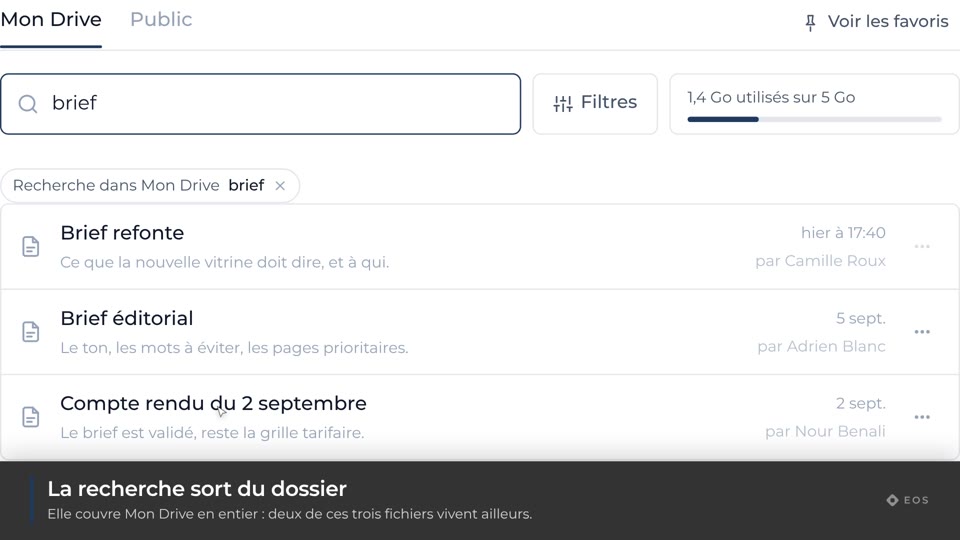
Search the Drive
Search a space, a folder, or the bin.
Guide1 min
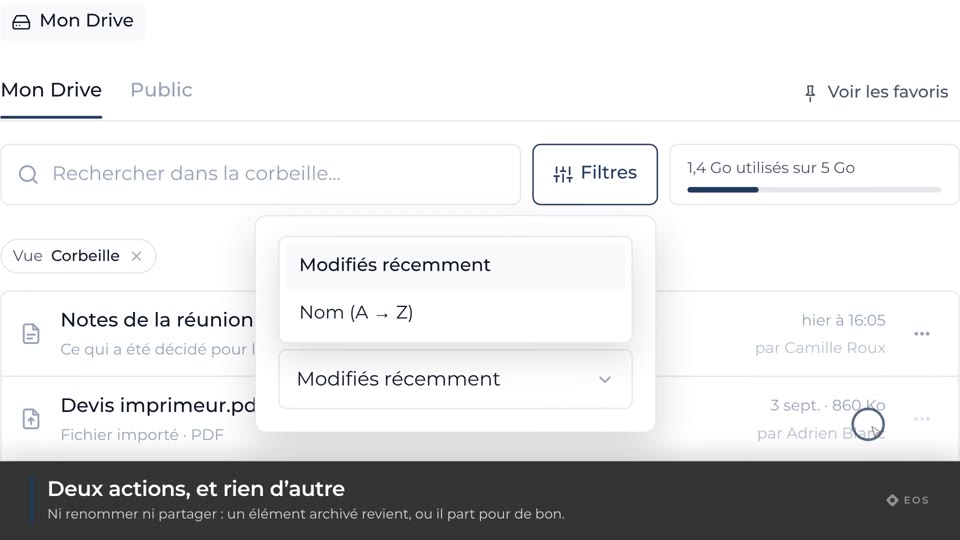
Bin and restore
Find a deleted item again, or purge it for good.
Guide1 min
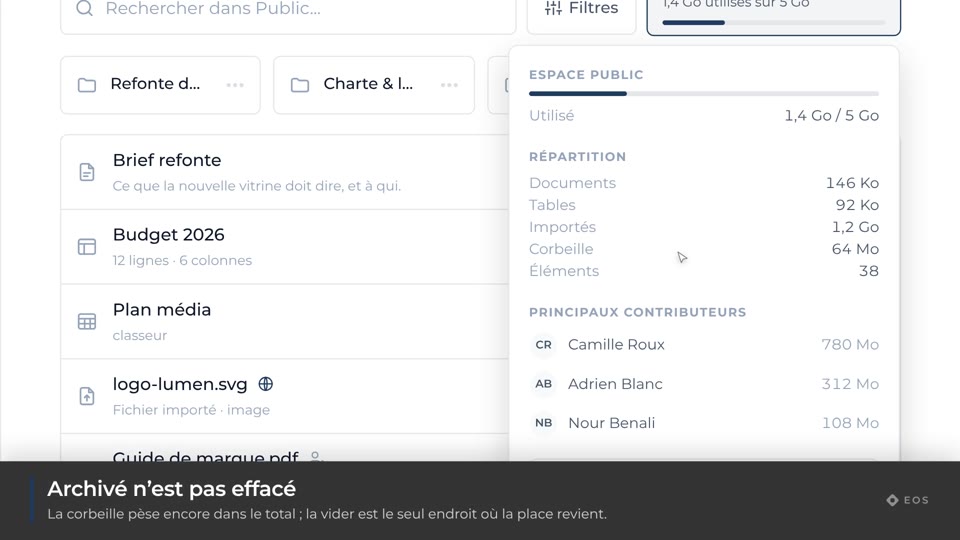
See the storage used
What the organization weighs, and who is taking the room.