Sort tasks
Newest, oldest, or by priority.
Guide1 min
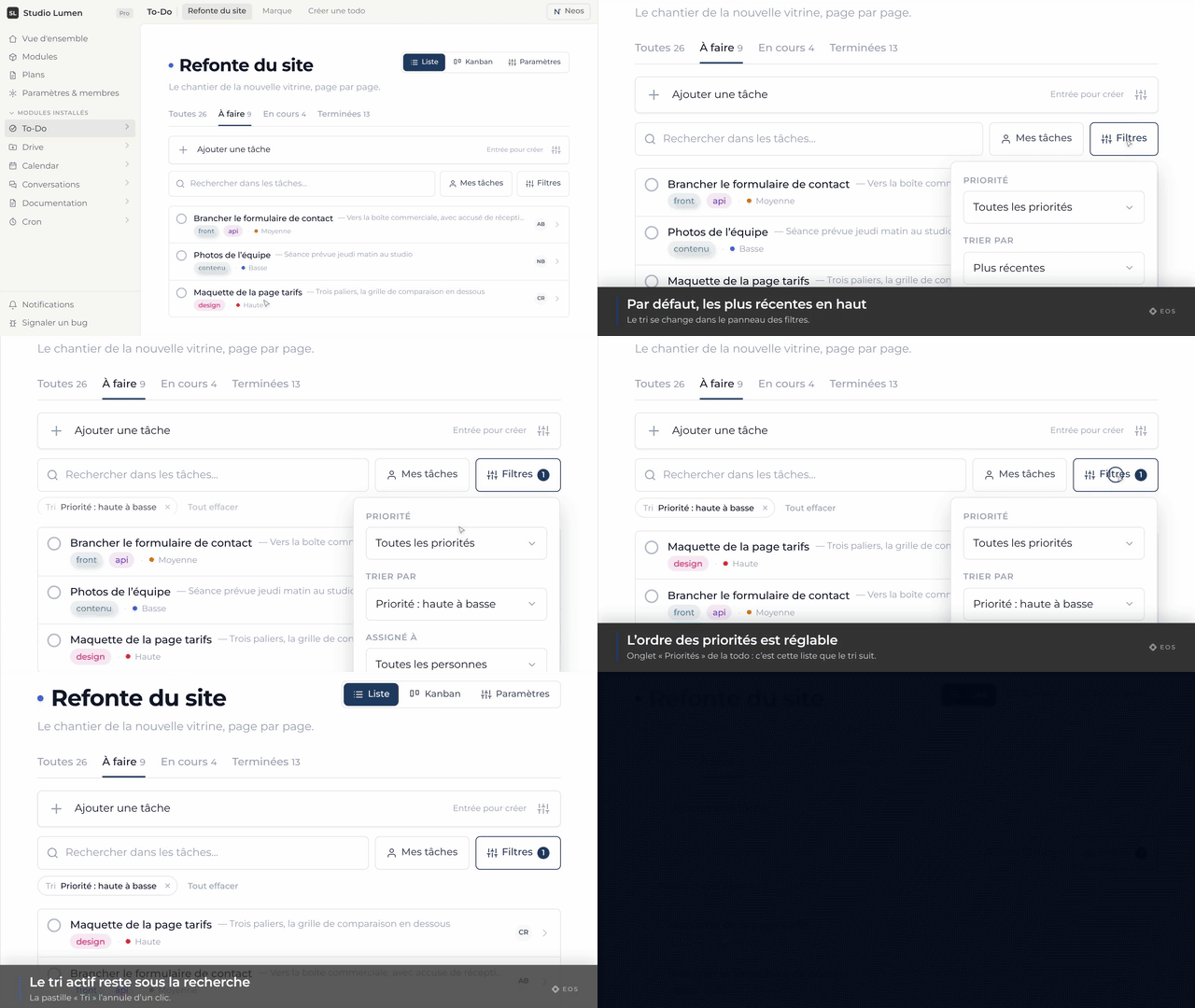
The To-Do module holds a team’s work: lists with their own access rules, tasks with priority, due date, tags and assignees, and two ways to look at them — the list and the kanban board.
Every page in this topic
- Create a task
- Create a detailed task
- Complete a task
- Open a task’s details
- Rename a task
- Write a description
- Change the priority
- Add tags
- Add a note
- Set a due date
- Assign a task
- Change the status
- Create a recurring task
- Delete a task
- Open the kanban view
- Move a card
- Search for a task
- Show only my tasks
- Filter tasks
- Sort tasks
- The status tabs
- Create a list
- Rename a list
- Describe a list
- Change a list’s colour
- Change a list’s access
- Edit the statuses
- Edit the priorities
- Manage tags
- Delete a list